

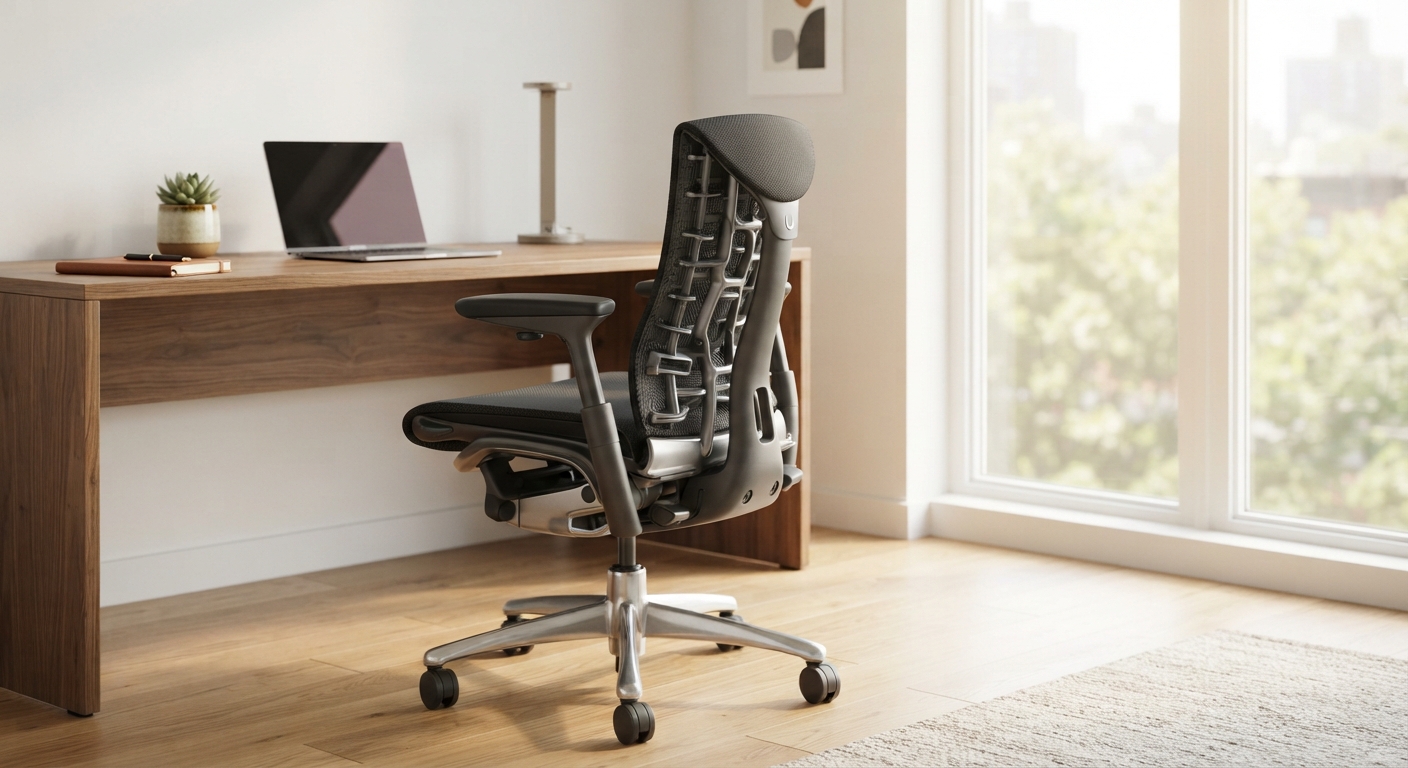
In the modern remote work era, spending eight or more hours sitting at a desk has become the norm. Unfortunately, this sedentary lifestyle often leads to a common modern ailment: chronic back pain. Investing in the best ergonomic office chair is no longer a luxury; it is a necessity for maintaining spinal health and boosting daily productivity.
Unlike standard dining chairs or cheap office seating, a true ergonomic chair is engineered to support the natural curve of your spine. In this guide, we will explore the critical features you must look for to find a chair that offers genuine back pain relief and long-term comfort.
1. Prioritize Dynamic Lumbar Support
The lumbar region (the lower back) naturally curves inward. Sitting for prolonged periods without support straightens this curve, leading to slouching and severe strain on the structures of the lower spine. When choosing a chair, lumbar support is absolutely non-negotiable.
Look for chairs that offer adjustable lumbar support. You should be able to alter both the height and the depth of the support to fit the exact curvature of your back. Advanced ergonomic chairs feature dynamic support that moves with you as you shift your weight, ensuring constant contact with your lower spine.
2. Essential Adjustability Features
A “one-size-fits-all” approach does not work for ergonomic seating. Your chair must act as a customizable tool. Ensure the chair you buy has at least the following adjustable features:
- Seat Height: Your feet should rest flat on the floor with your knees at a 90-degree angle. A smooth pneumatic adjustment lever is the standard requirement here.
- Armrests: Fixed armrests can cause shoulder tension. Look for 3D or 4D armrests that can be adjusted by height, width, depth, and pivot. This allows your arms to rest comfortably while keeping your shoulders relaxed.
- Tilt and Recline: Being able to recline slightly takes the pressure off your spinal discs. A good chair offers a synchronized tilt mechanism where the backrest and seat pan tilt at a specialized ratio.
3. Breathable and Supportive Materials
The material of your chair impacts both comfort and support over long hours. While leather looks premium and executive, it traps heat and lacks breathability, which can be uncomfortable during long summer workdays.
For most users, a mesh backrest is the ideal choice. High-quality mesh provides excellent airflow, keeping you cool, while stretching enough to conform to your back’s shape without sagging. For the seat pan, high-density foam covered in a durable, breathable fabric often provides the best balance of cushion and structural support.
4. Seat Depth and Width
The seat pan must be wide and deep enough to support you comfortably. If the seat is too deep, it will press against the back of your knees, restricting blood flow. If it is too shallow, it won’t support your thighs properly.
You should be able to sit with your back flat against the backrest while leaving roughly 2 to 4 inches (about the width of a fist) between the back of your knees and the seat of the chair. Chairs with a seat slider feature allow you to adjust this depth easily, making them perfect if multiple people share the same workspace setup.
Final Verdict
Curing or preventing back pain starts with your chair. While premium ergonomic chairs require a significant upfront investment, the health benefits and increased comfort far outweigh the initial cost. Before making a purchase, always check the warranty—top-tier brands often provide 10 to 12-year warranties, guaranteeing your chair will support your spine for over a decade.