

Modern home entertainment centers have evolved into highly complex, power-hungry systems. Today’s living rooms often feature massive 4K or 8K smart televisions, high-fidelity surround sound systems, streaming boxes, and next-generation gaming consoles. While these devices provide incredible immersive experiences, they are also some of the biggest contributors to your monthly electricity bill.
Many homeowners do not realize that their entertainment setup is silently draining power 24 hours a day, even when the screen is pitch black. In this comprehensive guide, we will break down the true energy cost of your home theater and gaming hardware, and provide actionable strategies to drastically reduce their power consumption without ruining your viewing experience.
1. The Hidden Cost of Gaming Consoles
Next-generation gaming consoles are essentially powerful desktop computers. When actively running a graphics-heavy game, they can draw over 200 watts of power. However, the real energy waste happens when you finish playing. Most gamers leave their consoles in “Rest Mode” or “Instant-On” mode so they can download updates in the background and boot up faster.
While convenient, this standby mode consumes a continuous stream of electricity. Over a year, leaving a single console in Rest Mode can add a significant amount to your utility bill. To save energy, navigate to your console’s system settings and switch the power profile to “Energy Saver” or manually power the system down completely when you are done playing.
2. Taming Your Smart TV’s Power Draw
Your television is the centerpiece of your entertainment system, and its massive screen requires a lot of electricity to illuminate. Fortunately, nearly all modern TVs come equipped with built-in eco-friendly settings that most users never bother to activate.
First, turn on the “Ambient Light Sensor” (sometimes called Eco Sensor). This feature automatically dims the screen in a dark room and brightens it only when the room is flooded with sunlight, saving a massive amount of backlight energy. Additionally, turn down the default brightness level, which is usually set to maximum out of the box to look good in retail stores, but is unnecessarily bright for a home environment.
3. Consolidating Power to a Single Switch
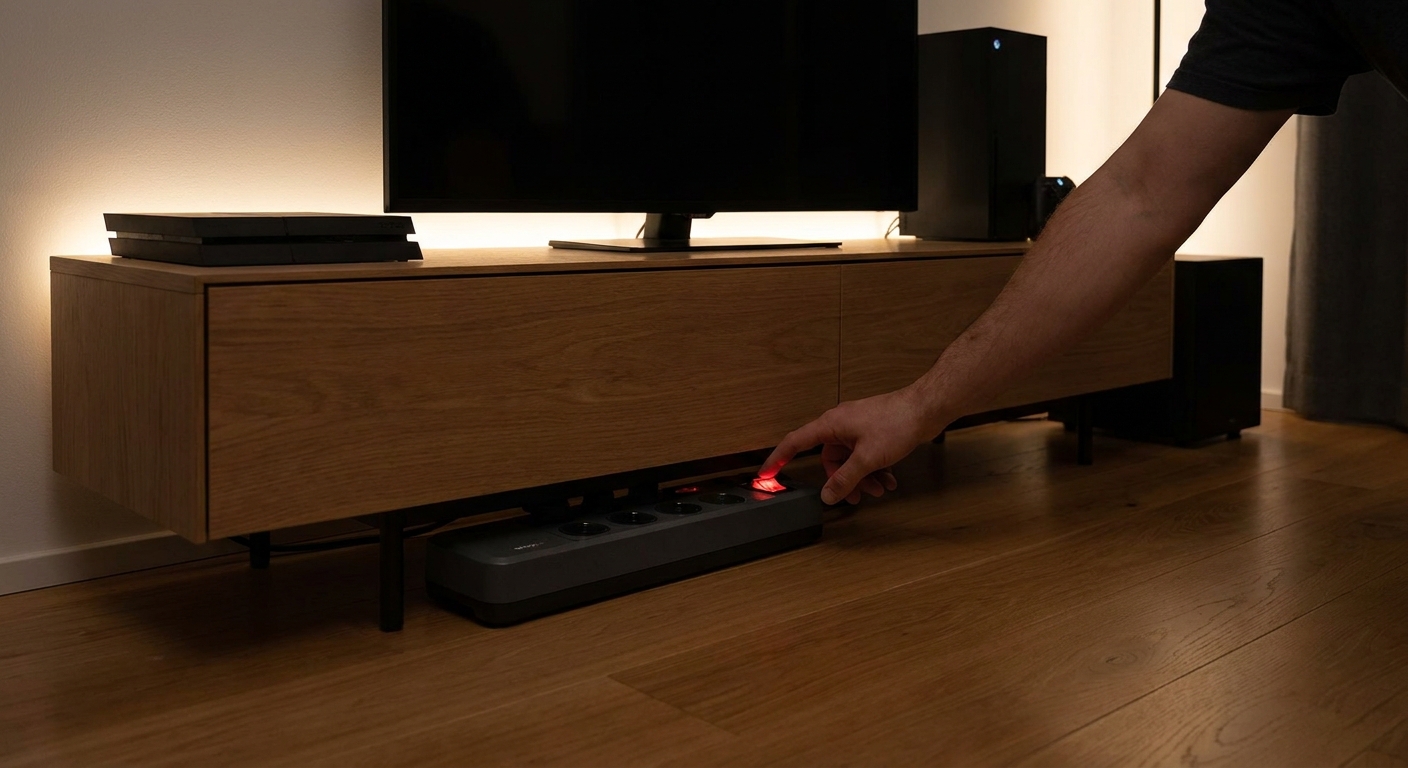
An entertainment center requires plugging in five to ten different devices, which often leads to a chaotic mess of wires behind the TV stand. This makes it incredibly difficult to unplug devices individually to save power. The most effective energy-saving strategy is to plug your TV, soundbar, and gaming consoles into a single, high-quality surge protector.
Sometimes, the ideal placement for your TV stand is far from the nearest wall outlet. Instead of daisy-chaining cheap power strips—which is a fire hazard—you should use heavy-duty, energy-rated Extension Cords to safely route power from the wall socket to your centralized surge protector. This setup allows you to easily reach behind the TV and flip one master switch to completely kill the “vampire power” to all your devices overnight.
4. Ditch the Console for Streaming Media
Many people use their gaming consoles (like a PlayStation or Xbox) to watch Netflix, YouTube, or Hulu. From an energy perspective, this is highly inefficient. A gaming console can use 10 to 15 times more electricity to stream a movie compared to a dedicated streaming stick (like a Roku, Apple TV, or Chromecast).
Dedicated streaming devices are designed with low-power mobile processors that draw less than 5 watts of power while streaming 4K video. If you watch a lot of movies and shows, investing in a cheap streaming stick will pay for itself in energy savings within the first year, allowing you to turn the gaming console off completely.
5. Disable Unused Wireless Connections
Smart TVs and streaming boxes are constantly scanning for Wi-Fi networks and Bluetooth devices. If you have your television connected directly to your router via an Ethernet cable, leaving the Wi-Fi antenna turned on is a complete waste of internal power.
Dive into the network settings of your TV, soundbars, and streaming devices. Disable Wi-Fi if you are using a hardwired connection, and turn off Bluetooth if you do not use wireless headphones. Disabling these constant background radio scans reduces the internal heat of the devices and slightly lowers their continuous energy draw.
Final Thoughts on Entertainment Efficiency
You do not need to sacrifice your gaming sessions or movie nights to achieve a greener, more energy-efficient home. By adjusting your TV settings, avoiding console standby modes, using low-power streaming devices, and centralizing your power connections, you can enjoy your high-tech entertainment center while keeping your electricity bills firmly under control.