

With the permanent shift towards remote work, millions of dining rooms and spare bedrooms have been rapidly converted into home offices. While professionals focus heavily on purchasing ergonomic chairs and high-resolution monitors, they frequently overlook the invisible danger powering their productivity: the electrical setup.
Standard residential bedrooms were originally wired to support a few lamps and a television, not a continuous heavy load of desktop computers, printers, routers, and personal space heaters. This guide will walk you through the essential safety measures required to protect your expensive office equipment and prevent electrical fires in your home workspace.
1. The Danger of Overloading Desk Circuits
The most common mistake in any home office is plugging too many high-wattage devices into a single wall receptacle. When a circuit draws more electrical current than its internal wiring is rated to handle, the wires begin to overheat inside the wall, slowly degrading the protective insulation.
To avoid tripping your breaker or starting a hidden fire, you must calculate the total wattage of your office equipment. Never plug heavy-drawing appliances, such as a laser printer or a portable space heater, into the same power strip as your sensitive computer components. These high-draw items should ideally be plugged directly into their own dedicated wall outlets.
2. Investing in Genuine Surge Protection
Your work computer holds valuable data, and a sudden power grid spike or nearby lightning strike can destroy its motherboard in a fraction of a second. A cheap power strip provides absolutely no defense against these voltage spikes; it merely provides extra slots to plug things in.
You must ensure your electronics are connected to a certified surge protector. Look for a device with a high “Joule rating” (ideally 1,000 joules or more for a home office). Additionally, remember that surge protectors wear out over time. If yours has taken a few hits over the years or the protection indicator light has gone out, it is time to replace it immediately.
3. Safe Cable Management and Routing
A cluttered floor covered in a tangled web of cables is not just a tripping hazard; it is a severe fire risk. When cables are tightly bundled, crushed under the legs of a heavy desk, or constantly rolled over by an office chair, the internal copper wires can break and arc, creating sparks.
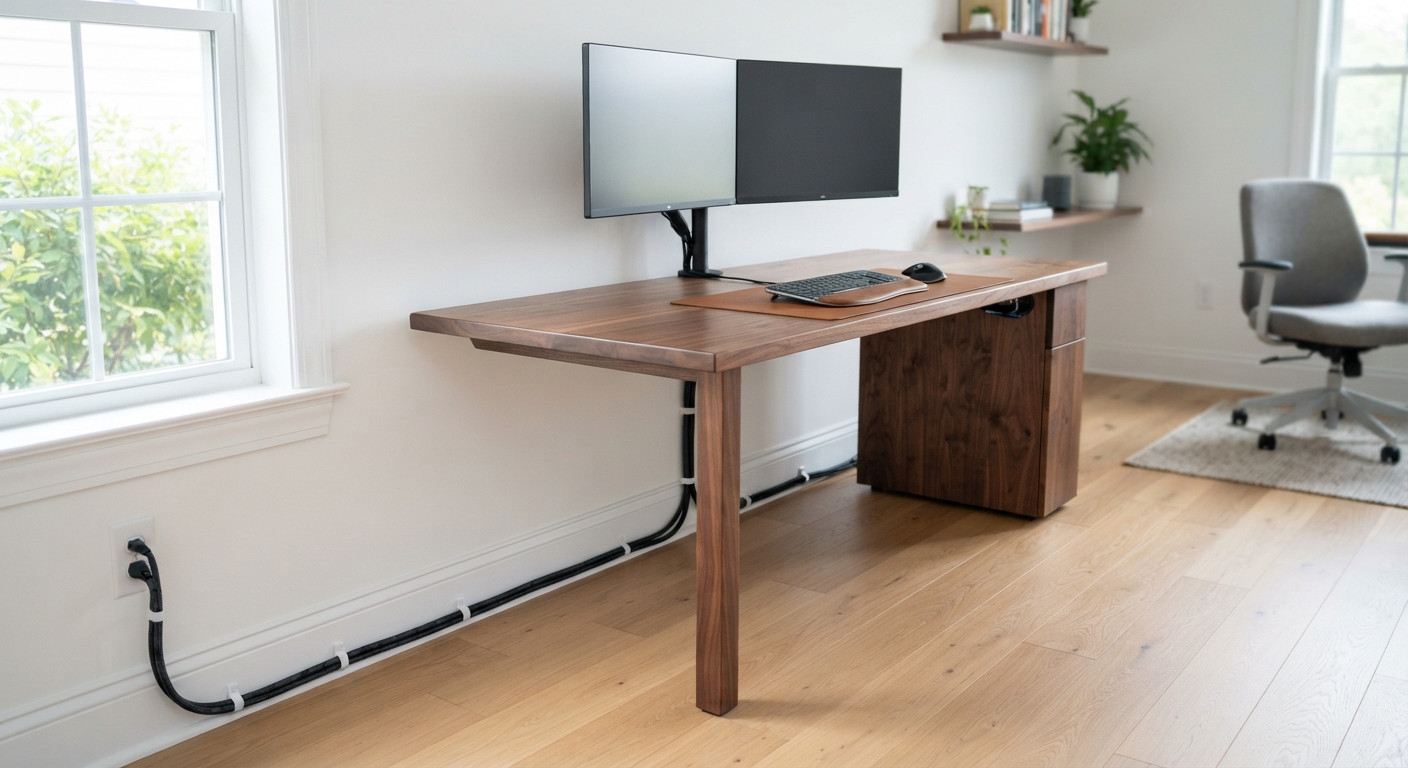
If your desk is positioned far from the nearest wall outlet, do not resort to “daisy-chaining” small power strips together. Instead, invest in high-quality Extension Cords that are specifically rated for heavy indoor use. Route these cords safely along the baseboards using plastic cable clips, keeping them completely out of walkways and away from the moving wheels of your chair.
4. Managing Heat Dissipation
Electronics naturally generate heat while operating. Laptops, external hard drives, and power adapters need adequate airflow to remain cool and function safely. Piling papers, folders, or books on top of your power adapters can trap this heat, pushing the plastic casing to dangerous temperatures.
Always place your power bricks and surge protectors on hard, flat surfaces where air can circulate freely around them. Avoid hiding them under thick rugs or inside tightly enclosed desk cabinets without proper ventilation.
5. End-of-Day Shutdown Routines
Leaving your entire office running 24/7 not only wastes electricity but also leaves your equipment vulnerable to overnight power surges when you are asleep and unable to monitor the situation. Developing a simple end-of-day shutdown routine is a highly effective safety habit.
Fully power down your computer rather than leaving it in sleep mode, and turn off your main surge protector to cut the physical electrical connection to your monitors and peripherals. This guarantees that your equipment cannot overheat or be damaged by unexpected grid fluctuations during the night.